
Live conversation copilot · macOS
Don’t panic.
Scroll. Watch two voices turn into one calm line.
Two voices in.
One calm line out.
You and Them are captured as separate streams, transcribed live, and answered in short lines you can read at a glance.
The calm voice
in the room.
Live, in the room
Both sides of the conversation, word by word.
Answer
Ready when Them finishes speaking.
Interim words show while someone is still talking, dimmed and underlined. They settle into final text with a timestamp. The answer starts the moment Them finishes.
How it works
From a voice to a calm line.
- 01
Capture
Your microphone is You. System audio is Them. Two streams, never mixed, so the record always says who spoke.
- Microphone
- ScreenCaptureKit
- BlackHole
- 02
Transcribe
Words stream in while a person is still talking, then settle into final text with a timestamp.
- Deepgram streaming
- Apple on-device
- 03
Hear the turn
A turn detector notices when Them finishes. That end of utterance is your cue.
- End of utterance
- Speculative start
- 04
Answer
Short, first-person lines, answer first. Written for a glance, not a lecture.
- Claude
- OpenAI
- Grok
Every stage is a swappable plugin behind a stable Rust trait. Change a provider with a setting, not a rewrite.
Four ways to ask
You pick the kind of help.
A complete, grounded answer to what Them just said, streamed token by token.
Ask · sample output, made up
A token bucket gives each user a refill rate and a burst size. Store the count and last refill time in one key, update it atomically, and return 429 with Retry-After when empty.
Plugins
Bring your own voices, models and keys.
Plugins: Deepgram, Apple Speech, Anthropic Claude, OpenAI, xAI Grok, BlackHole, ScreenCaptureKit, cpal, Echo cancellation, Energy turn detector, MCP connectors, Rust traits.
A plugin depends only on the shared contracts crate, so it cannot reach into a sibling.
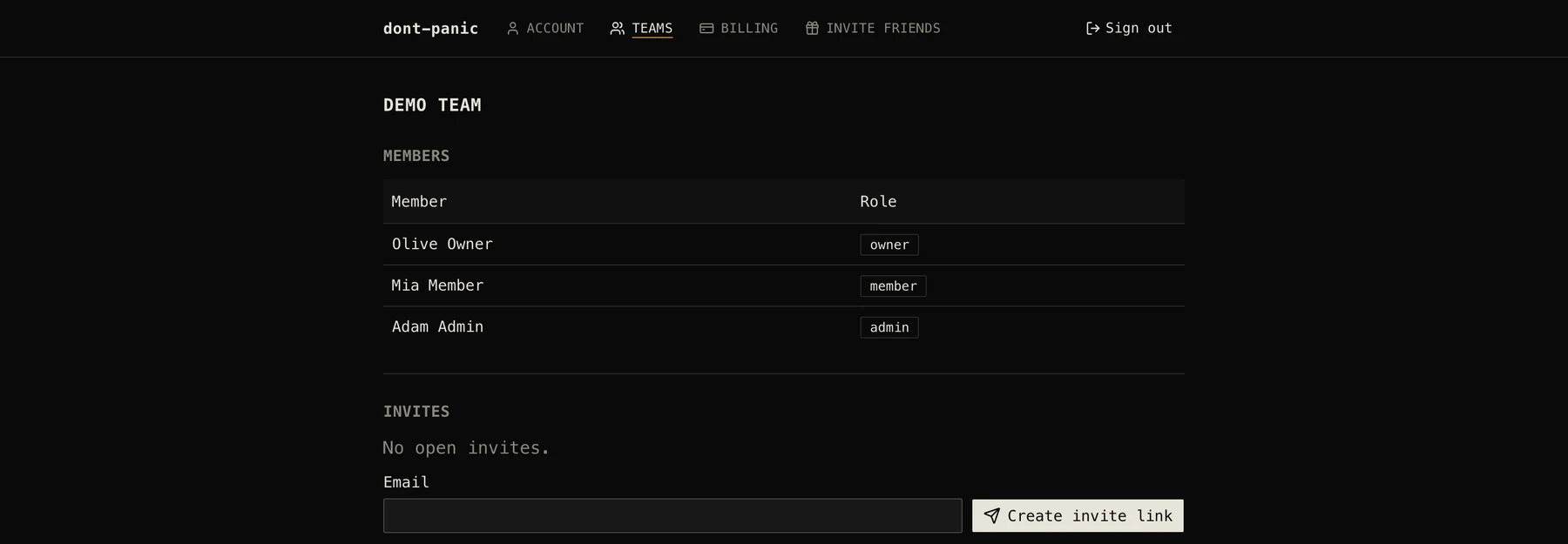
Hosted workspace
Bring a team.
Use it openly
Calm is good. Honest is better.
dont-panic records the other party’s voice. Laws differ by place and many require everyone on the call to agree. Tell people, and get consent where it is required.
Many interviews and assessments do not allow AI help. Follow the rules of the conversation you are in. Use it for practice, for your own meetings, or where help is allowed or disclosed.
The Stealth window setting is best effort only and is not a way to hide your use of the tool.
- Platform
- macOS, Apple Silicon
- Audio
- 16 kHz mono, 20 ms frames
- Language
- English
- Shortcuts
- ⌘⇧Space overlay, ⌘⇧Enter ask
- Keys
- Your own provider keys
- Access
- By request
Don’t panic.
Built for one person on one Mac. Access is by request.